AI tools you should know about
Introduction
AI tools have become increasingly popular in recent years, and for good reason. They can help you automate tasks, generate content, and even assist with decision-making.
I've compiled a list of AI tools I even use myself that I think are worth checking out. Whether you're a developer, writer, or just someone looking to boost your productivity, there's something here for you.
Claude
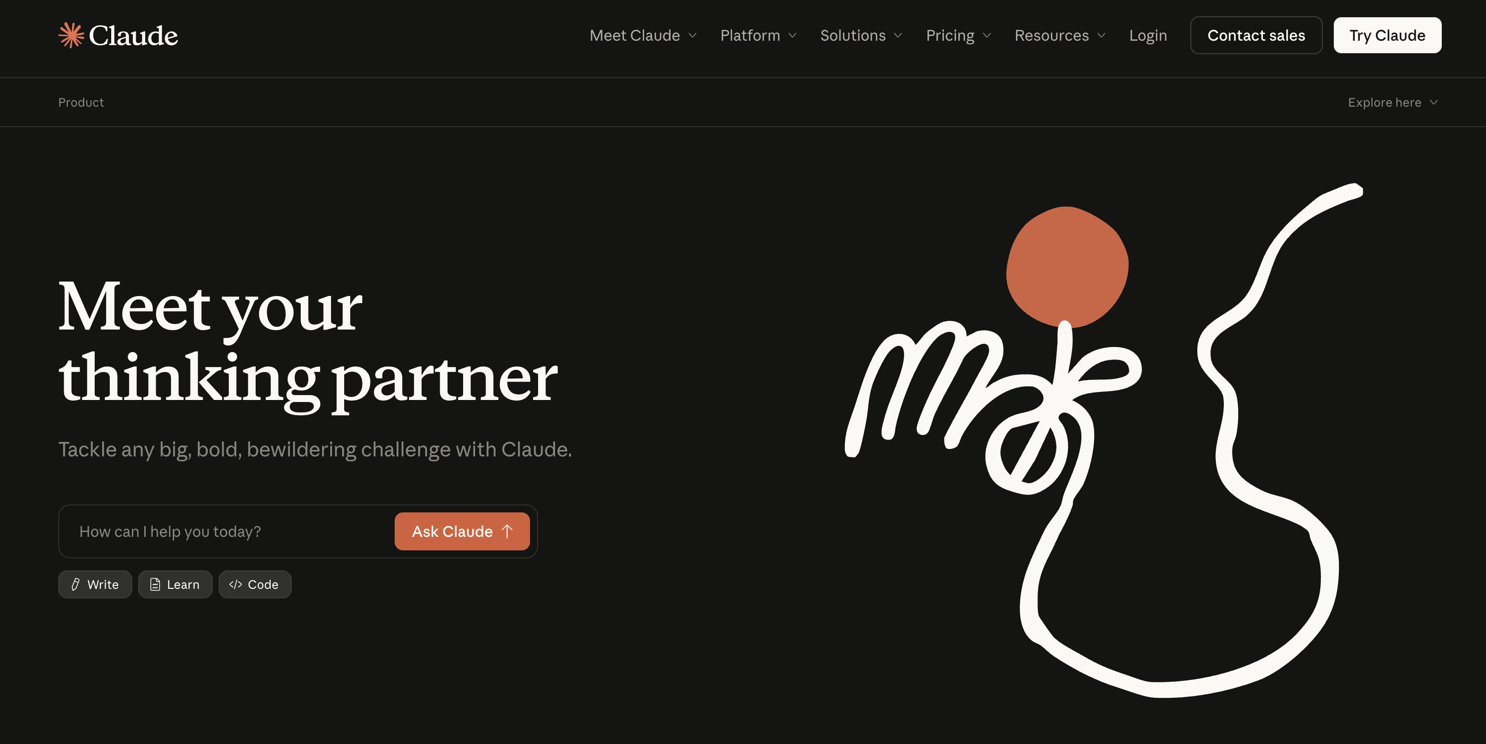
Claude is one of the best LLMs currently. I usually reach for it when I need to turn a rough idea into something structured, whether that's a first draft, a plan, a summary, or a clearer explanation of something complex.
What makes it stand out is that it usually feels measured. Instead of rushing to give you a flashy answer, it tends to do well with long-form writing, research-heavy prompts, and conversations where you want to explore the problem a bit before jumping into a solution.
Claude Code
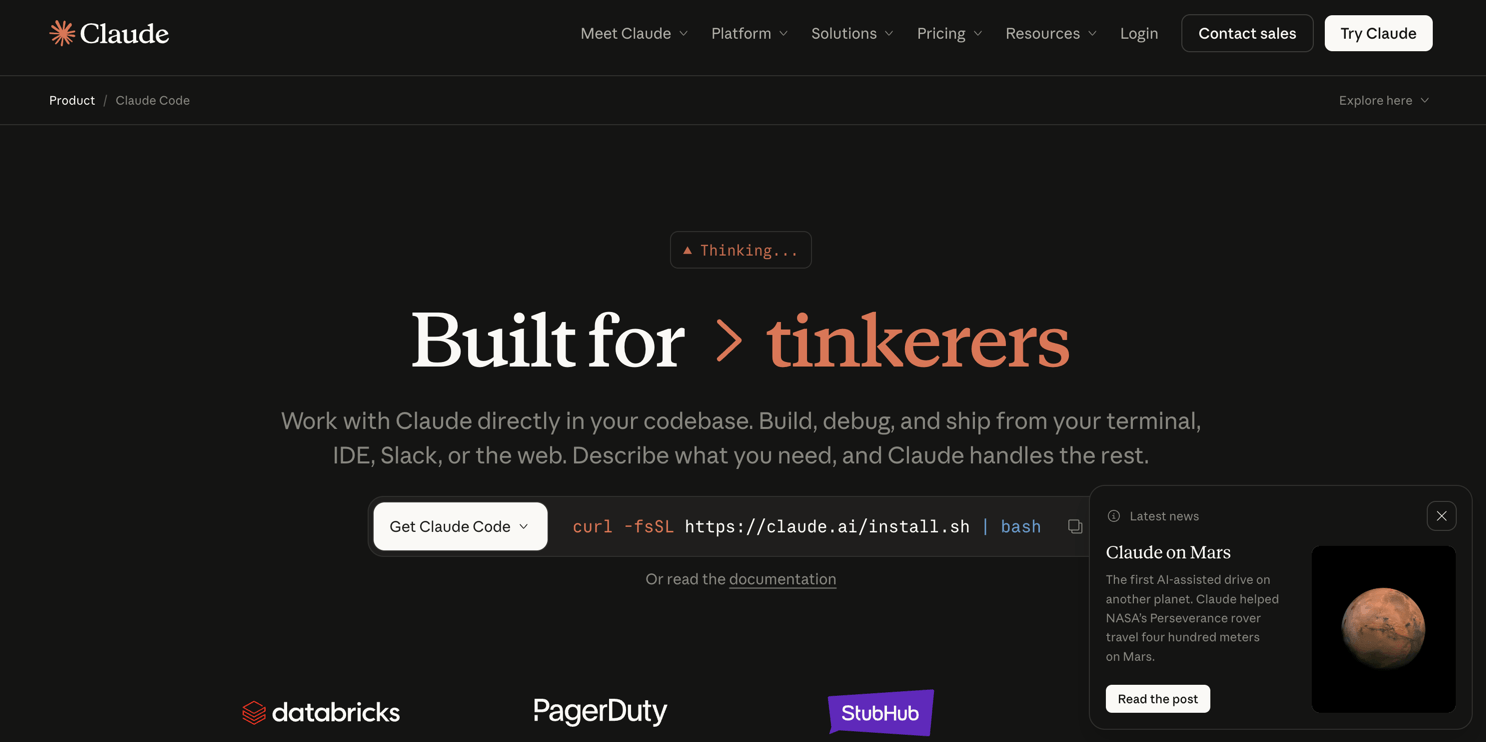
Claude Code is where Claude becomes genuinely useful for developers. It is not just about generating snippets, it is much better used as a coding partner that can inspect a codebase, explain tradeoffs, help with refactors, and take care of boring but necessary work like tests, docs, and cleanup.
I think it works best when you already know the direction and want a strong second brain. If you give it clear constraints and enough context, it can save a lot of time without pushing you into full-on vibe coding.
Claude Cowork
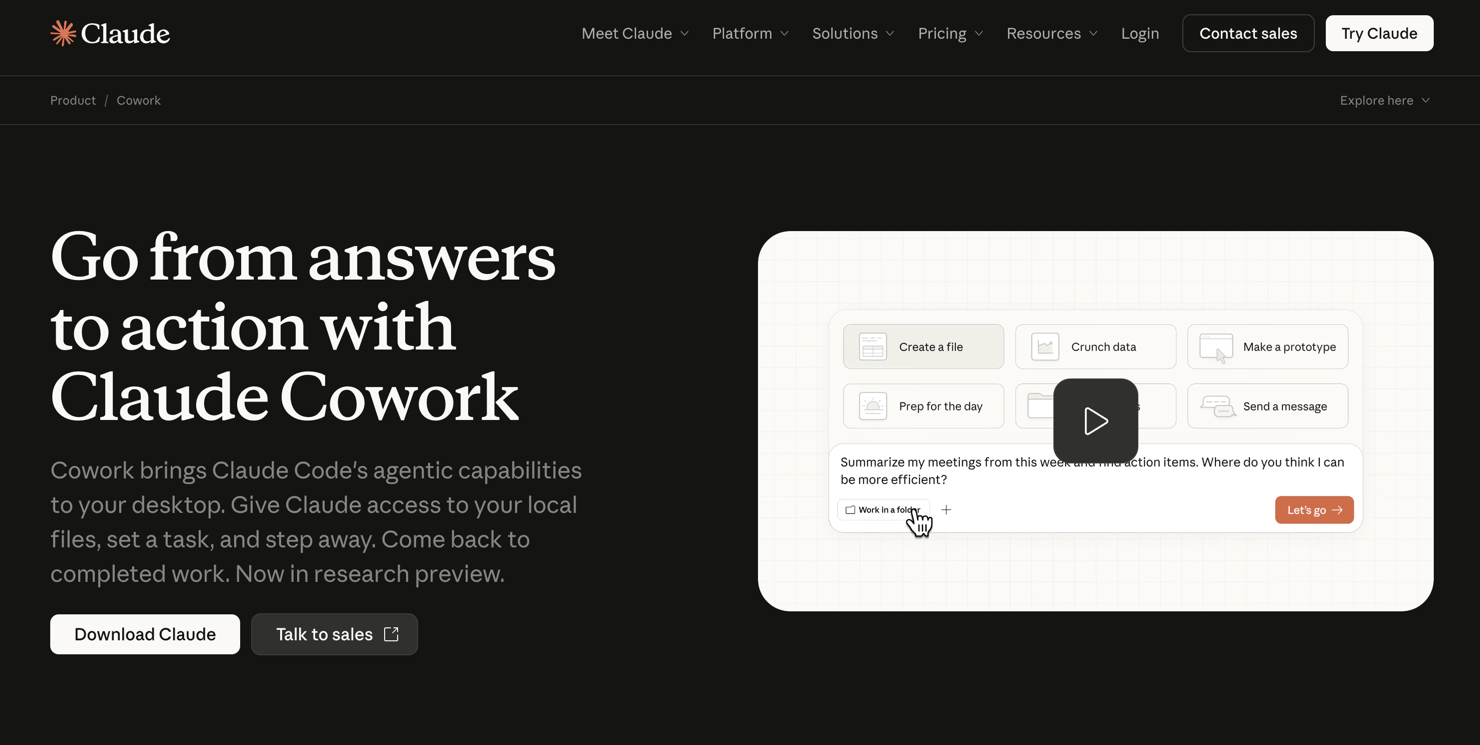
Claude Cowork is the part that makes Claude mindblowing. Context matters a lot and giving, and Cowork gives you a place where ideas, prompts, outputs, and decisions can live together instead of being scattered across chats and screenshots.
How I use it
Claude is strongest at the beginning of the process. I use it when the idea is still messy and when I need to turn notes into structure, or when I want to pressure-test a concept.
Codex
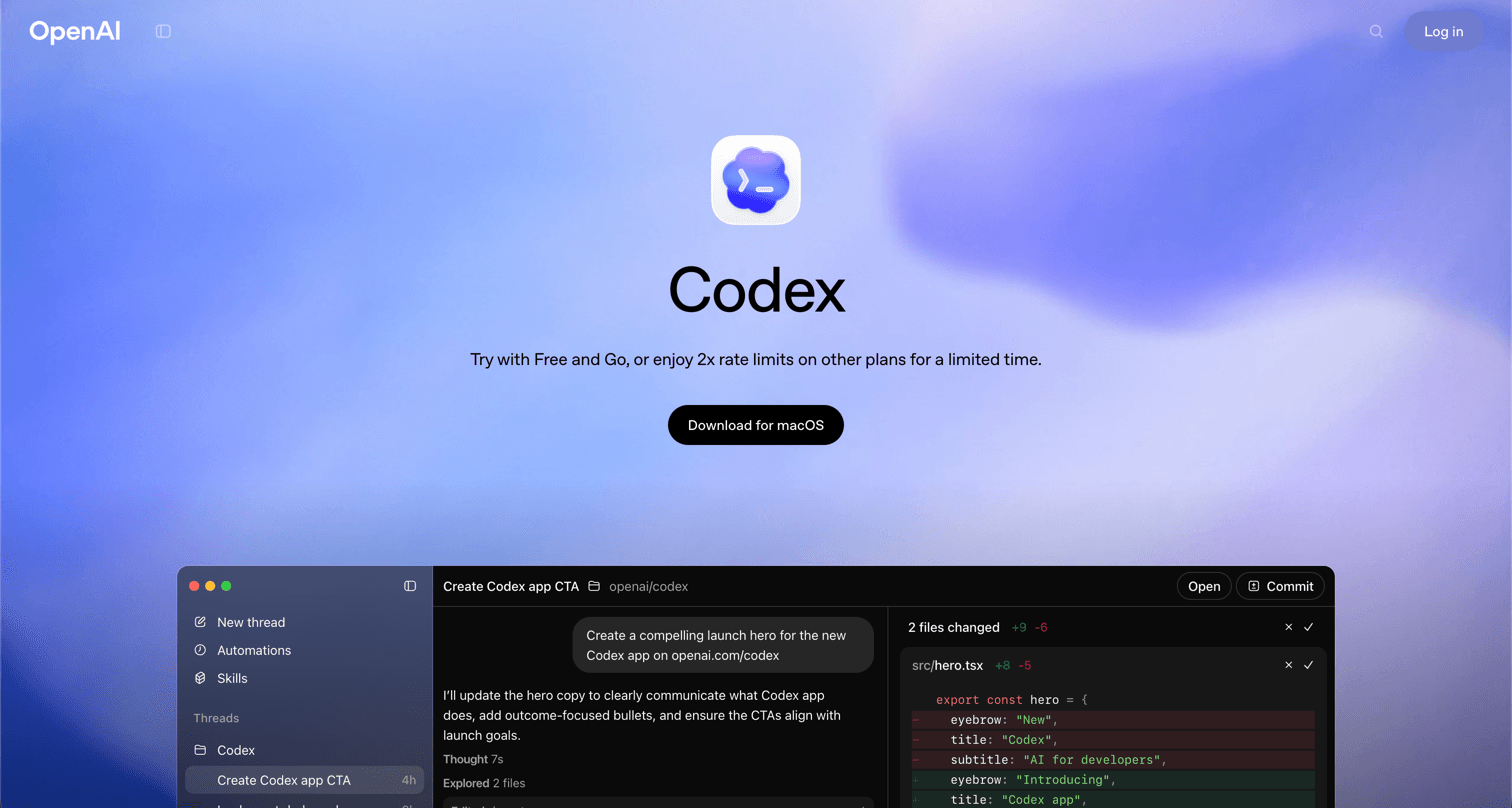
Codex quickly became one of my favorite tools for coding because it feels like an actual workflow, not just a chatbot that happens to write code. Earlier waves of "agentic engineering" mostly felt impressive in demos but weak in day-to-day work. Codex is one of the first tools that made the whole idea click for me.
App
The app is clean, focused, and pleasant to use, which matters more than people admit. If a tool is going to sit next to your editor every day, the interface cannot feel chaotic. Codex does a good job staying out of the way while still giving you the controls that matter. My related post Software should be beautiful goes deeper into why I care about that.
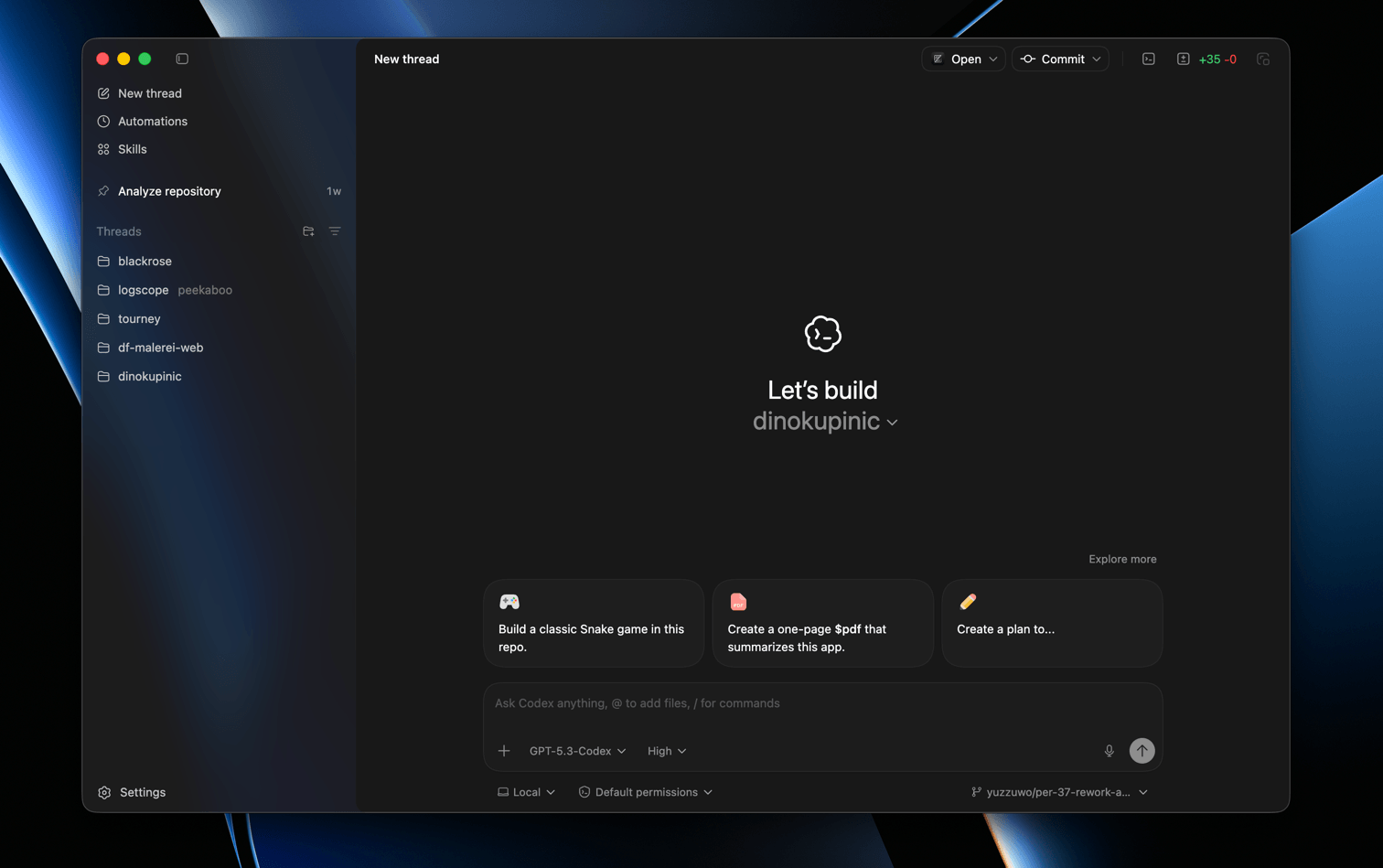
The standout feature for me is Automations. It turns repetitive work into something you can hand off on a schedule, which is exactly where these tools start becoming genuinely useful. Daily PR summaries, recurring maintenance checks, and routine project chores are a much better use of AI than asking it to pretend to be the lead engineer.
Cloud & CLI
The cloud version and the CLI make Codex feel like one system instead of separate toys. If you prefer the terminal, the CLI fits naturally into how you already work. If you want to kick something off while you are away from your desk, the cloud version is there. That flexibility matters a lot once the tool becomes part of your routine.
Integrations
The integrations are also a big part of the appeal. MCP support for tools like Figma, Linear, and Notion means Codex can work with real project context instead of forcing you to copy paste everything into a prompt. That makes the output more useful and the workflow much less annoying.
How I use it
Personally, I dislike full-on "vibe coding", because it always leads to a unmaintainable codebase. After using it for a while, I found that the best way to use Codex for me is as a "chore delegator", where I delegate boring, repetitive tasks to Codex, and I focus on the creative and strategic aspects of coding. For example, I might ask Codex to write tests for my code, or to generate documentation.
Like with replit, the cloud version works great for on-the-go coding, where I use Linear's agents feature to delegate certain issues on Codex, have it deployed through a CI/CD pipeline, and then check the results later. This way, I can keep my focus on the bigger picture while Codex handles the smaller tasks.
NotebookLM
NotebookLM makes you learn at the speed of thought. You upload your documents and it creates summaries, answers questions, and helps you find information quickly. Sort of like having a supercharged search engine for your own knowledge base.
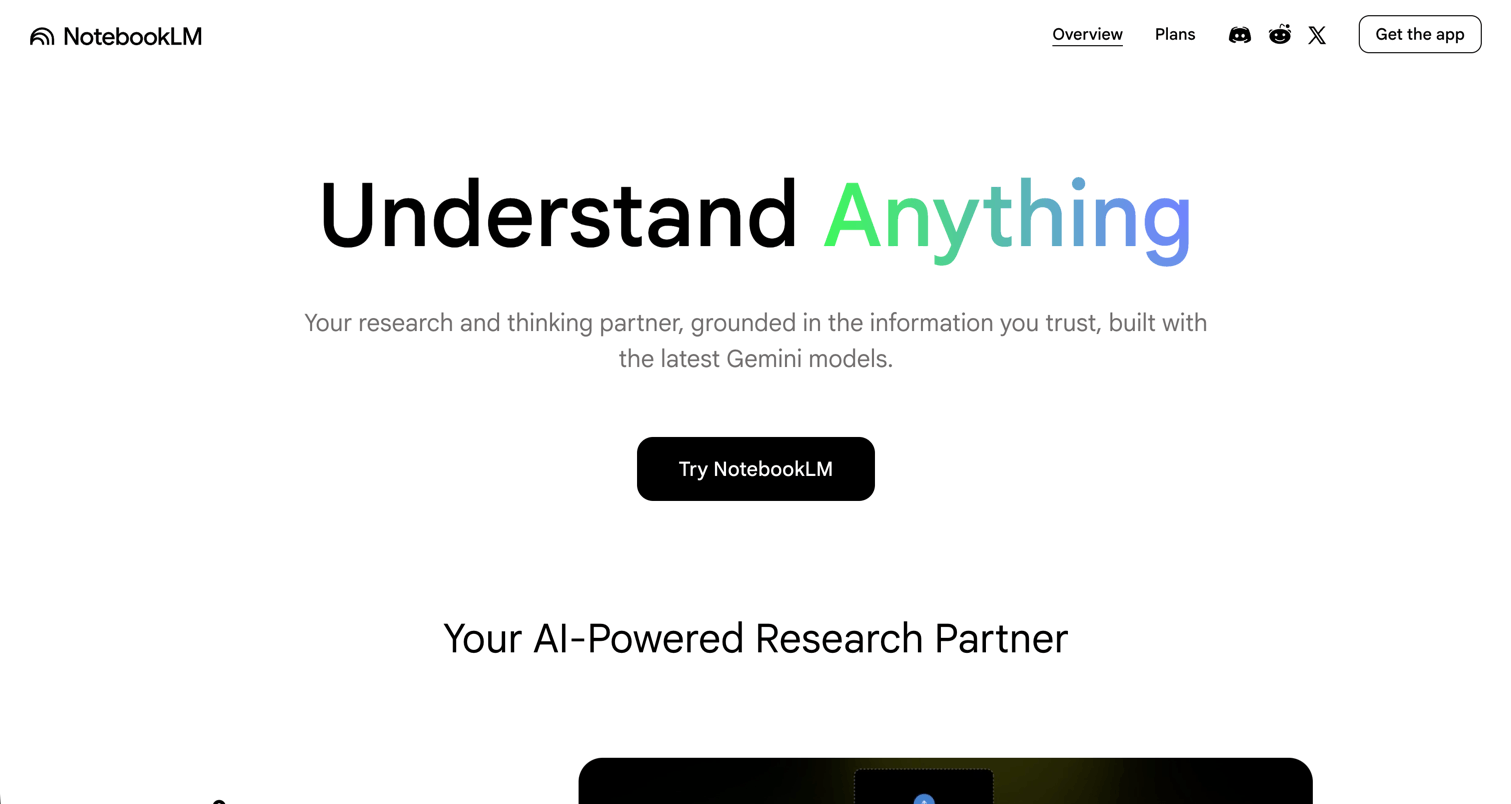
If you have a Google AI subscription, you should definitely give it a try.
Students
If you are a student, you can upload your pdfs and lecture notes to NotebookLM. It can help you understand complex concepts, generate summaries, and even create flashcards for studying.
Replit
Replit is a vibe-coding tool that allows you to generate full apps from a simple prompt.
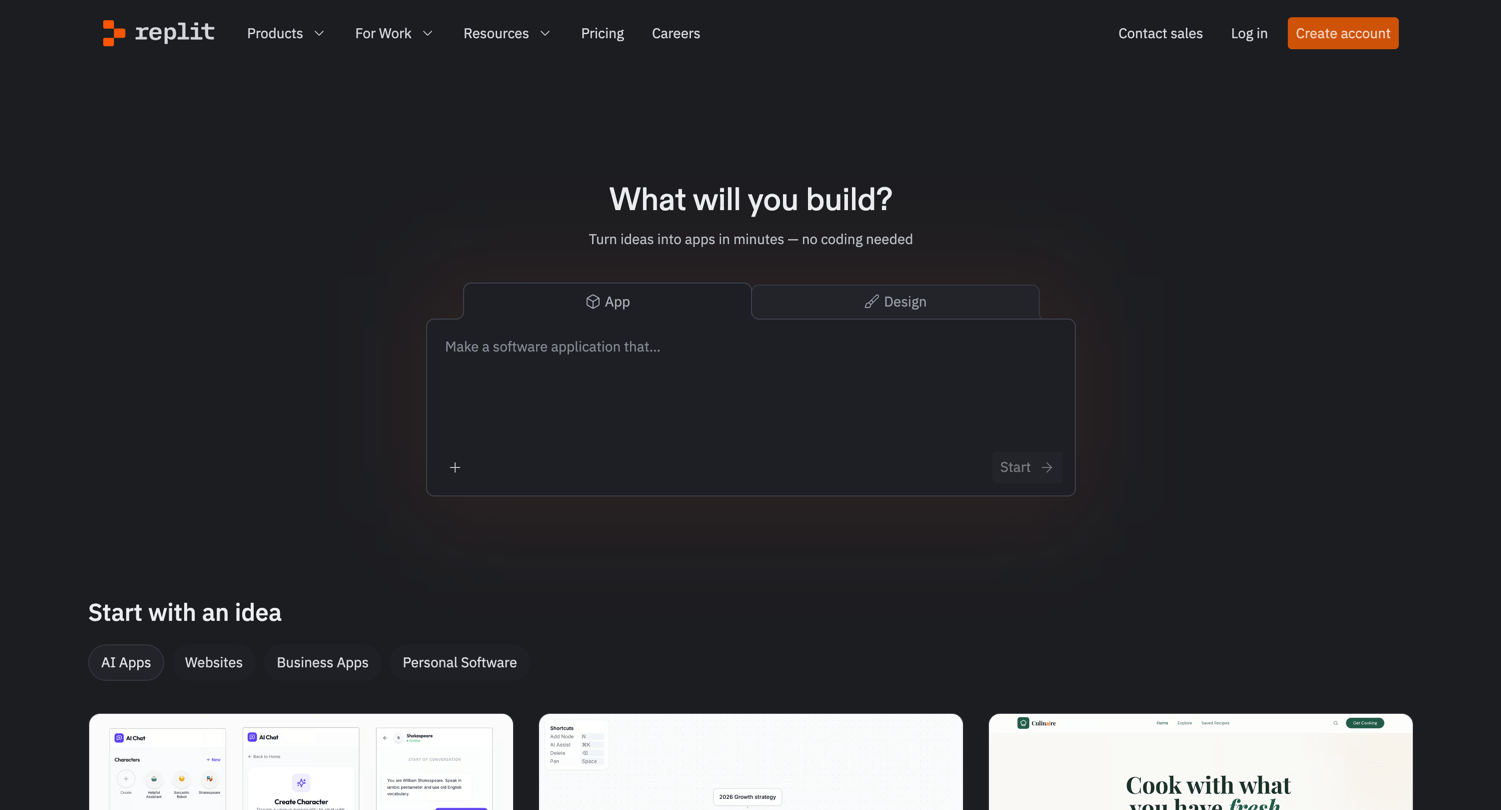
Mobile app
Replit's mobile app is brilliant for creating an "MVP" of an idea on the go. You can quickly write down your thoughts and have a working prototype in minutes. You could be walking down the street and suddenly get an idea for an app, and with Replit, you can immediately start building it without needing a laptop.
Because it's in the Cloud, you can write the prompt (or speak it) and continue scrolling through X or whatever, and then come back to it later.
How I use it
I use Replit for quick prototyping and testing out ideas. It's especially useful when I want to experiment without having to commit to a full project setup.
Nano Banana
Nano Banana by Google is a tool that allows you to create images from text prompts. It's one of the best text-to-image generators out there, and it's incredibly easy to use. You can create anything from simple illustrations to complex scenes, and the results are often stunning.
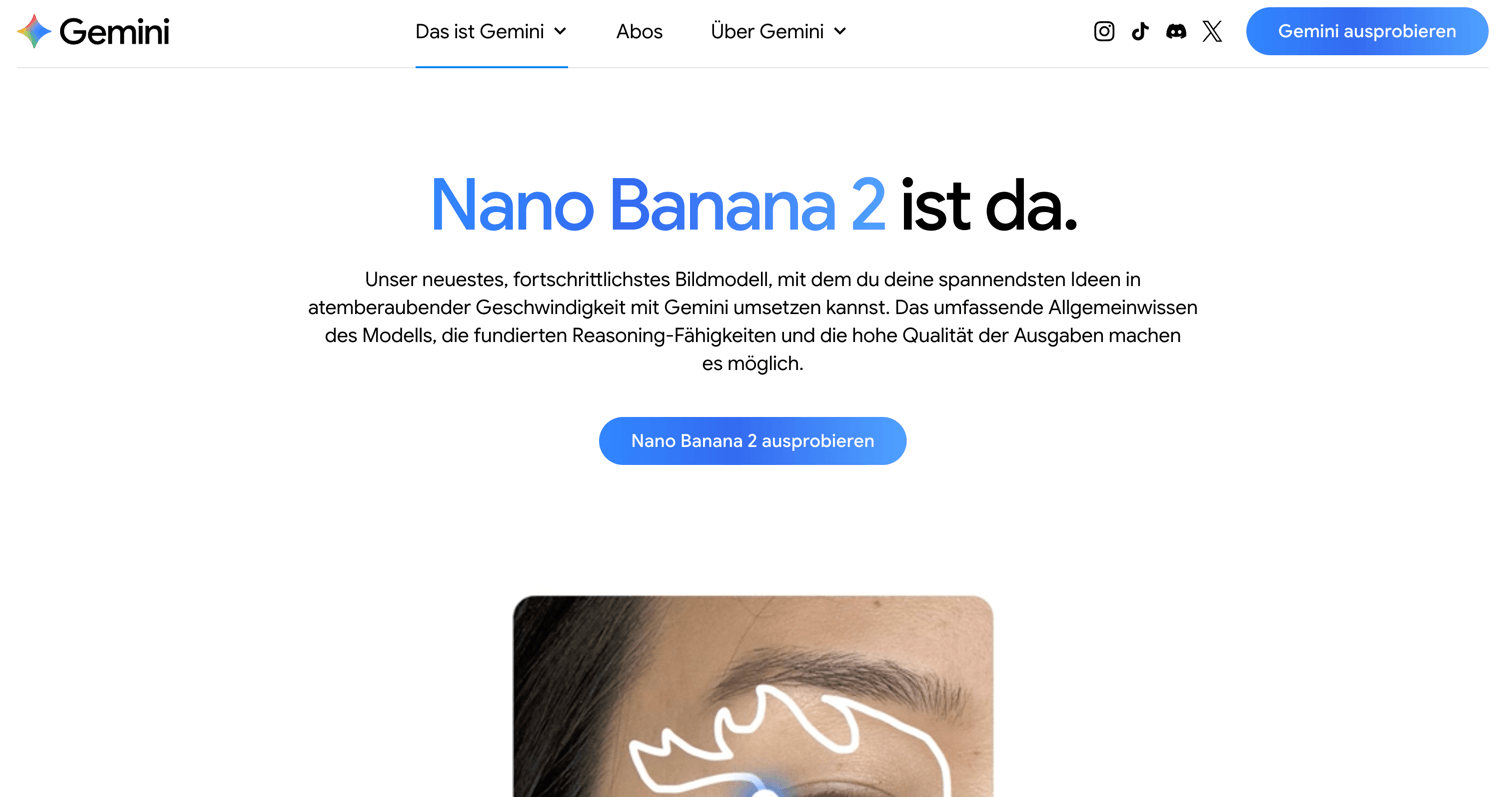
Editing images with text prompts is also possible, which is a game-changer for designers and artists. You can make changes to an image without needing to use complex software.
How to use it
You can use it right inside Google Gemini or via the API that you can integrate into your own projects. The API allows you to generate images programmatically, which opens up a lot of possibilities for automation and creative applications.
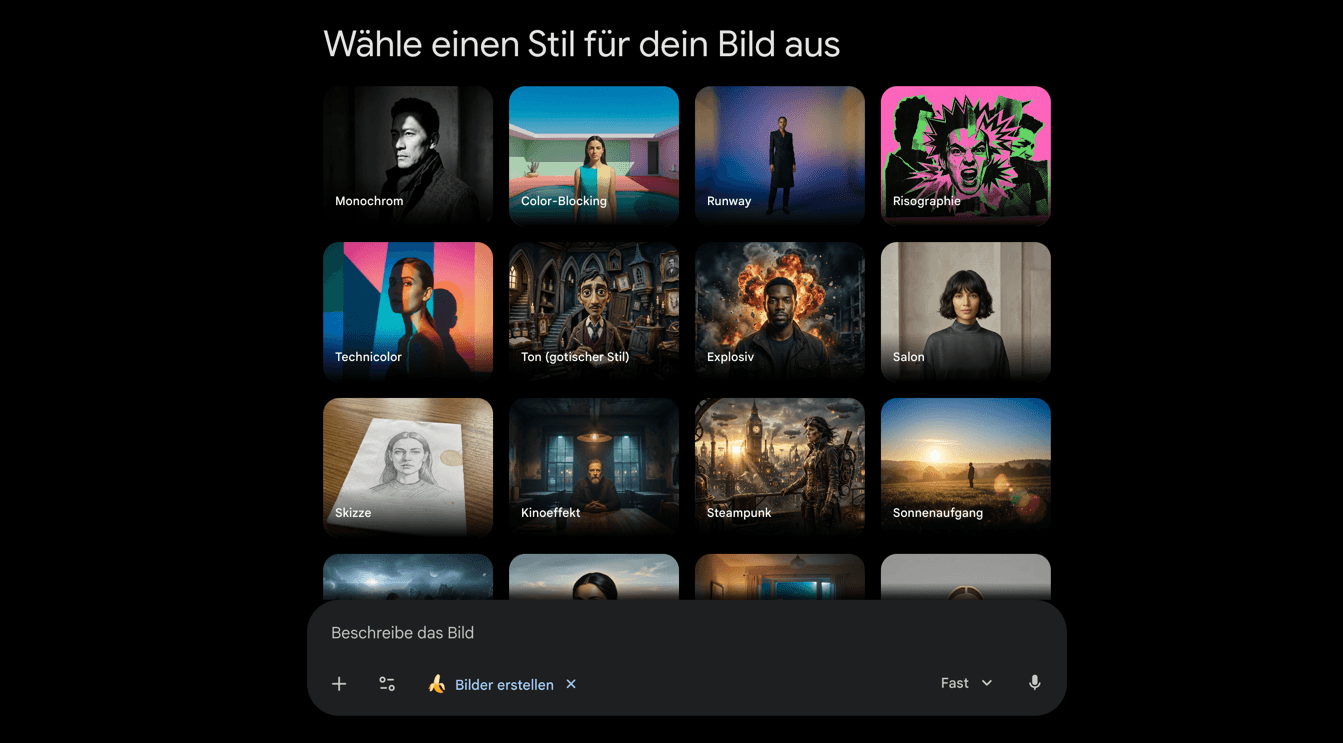
Google also offers templates for styles, which can help you achieve specific looks or aesthetics with your generated images. This is especially useful for designers who want to maintain a consistent style across their work.
Conclusion
These were just a few of the AI tools that I think are worth checking out. Each of these tools has its own unique features and use cases, so I encourage you to explore them by yourself!
Table of Contents
